
When viewing an applicant’s details for a job in the Applicant Management System (AMS), you’ll see a link indicating that they have applied for (one or more) other jobs with your organisation:
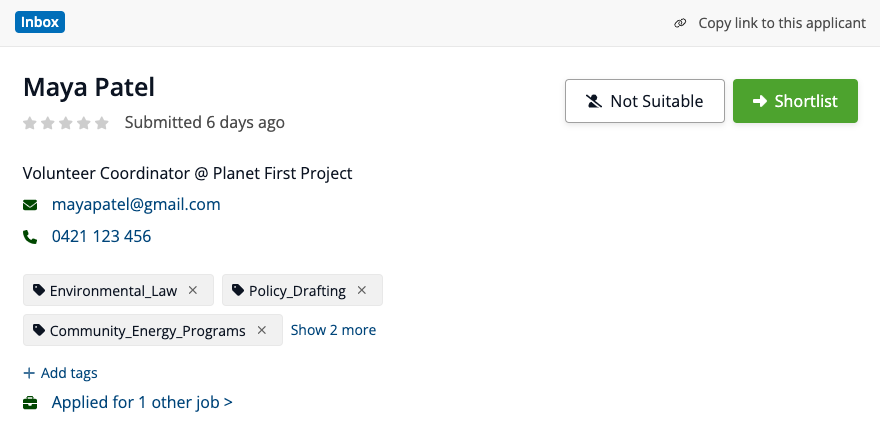
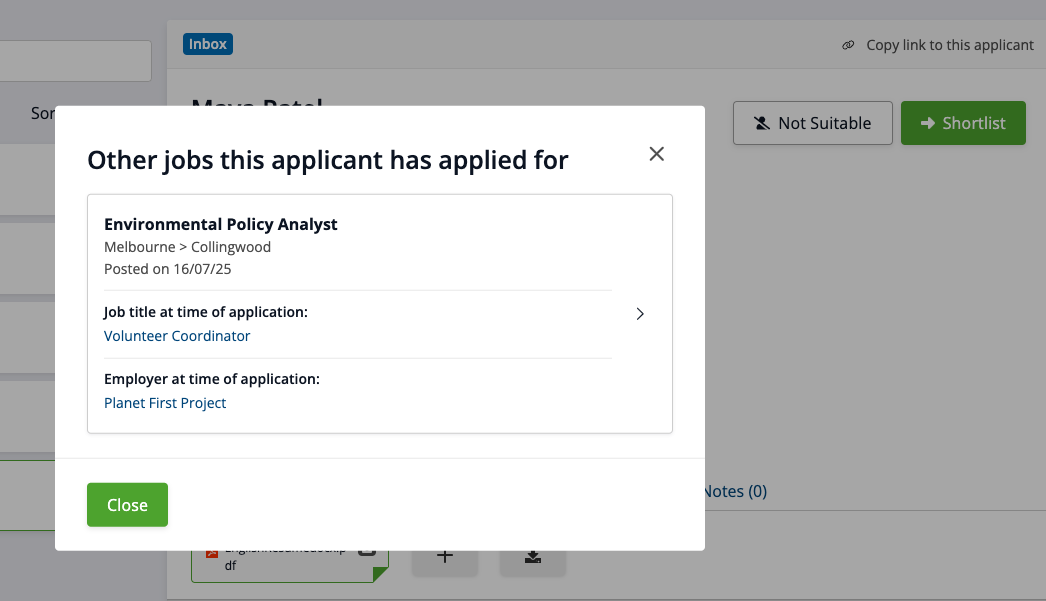
You can click the link to open a pop-up window with more details about the roles the applicant has previously applied for.
The details include:
A list of job titles they've previously applied for,
The application dates for each of those roles, and
The applicant's most recent role and employer at the time they made each application:
Can I view the details of a previous application?
Yes, if you have the appropriate user permissions.
Each listed role name is clickable and will take you to that applicant’s details in the previous job ad. You’ll be able to review how the applicant responded to that job, just as you would in any current application.
What if I don’t have access to the previous job?
If you’re a Specific job access user, you’ll only be able to view the full details of a previous application if you’ve been granted access to applicants for the previous job ad.
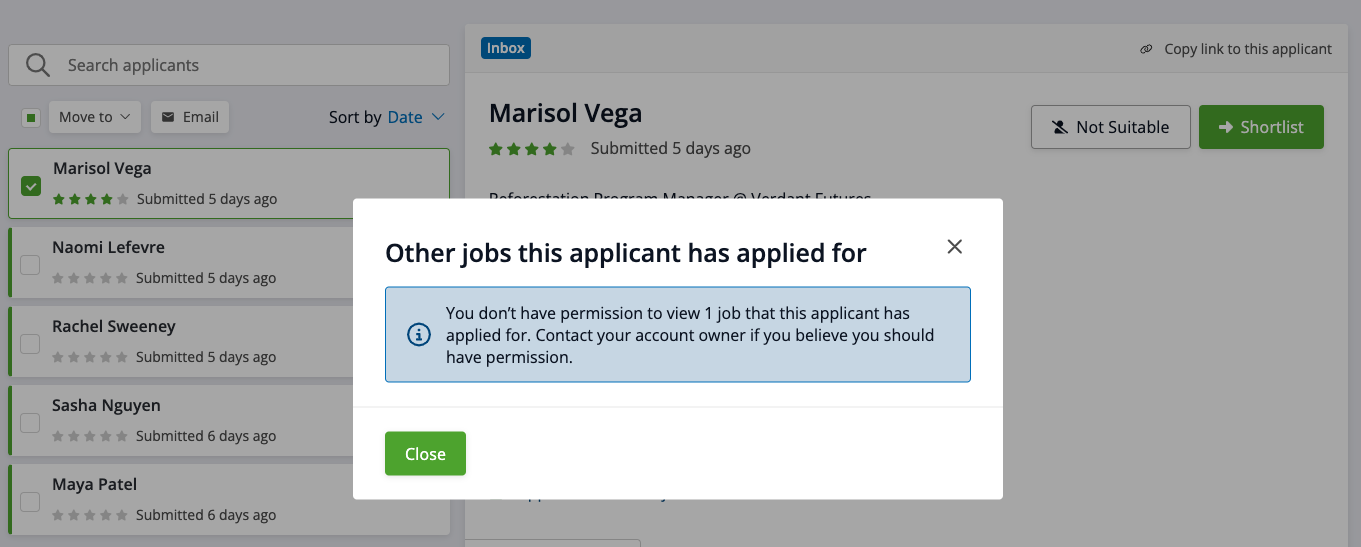
If you don’t have access to applicants for the previous job ad:
You’ll still see that the applicant has applied for another role, but the job title, date, and link will not be visible; and
You’ll see a message explaining that access is restricted, with guidance to contact your account owner if you believe you should have access: