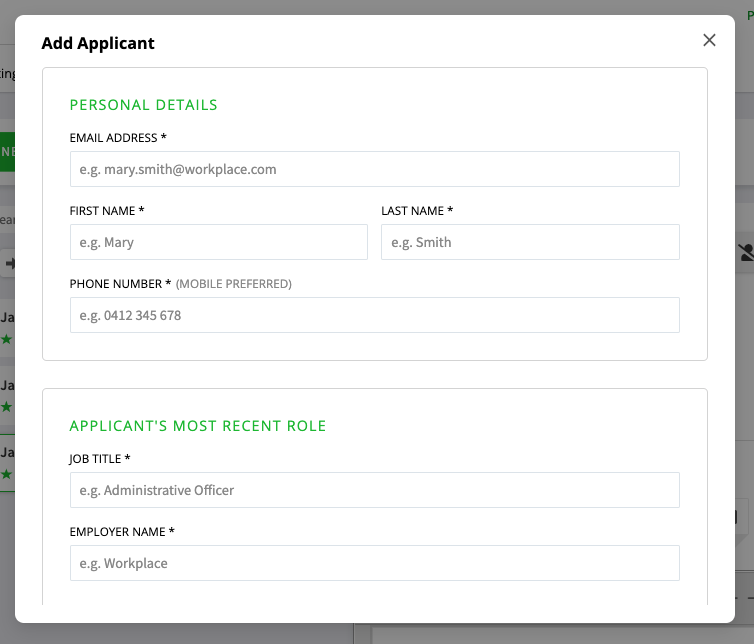

To add candidates from other sources to the EthicalJobs.com.au Applicant Management System, simply click "+ Add Applicant" at the top of the page for the relevant role:

A pop-up box will appear for you to fill out the applicant's details and upload the CV. The applicant will then appear in the Inbox, where they can be reviewed along with other applicants and moved to different recruitment stages.